|
Whiteboards, Interactive Spaces
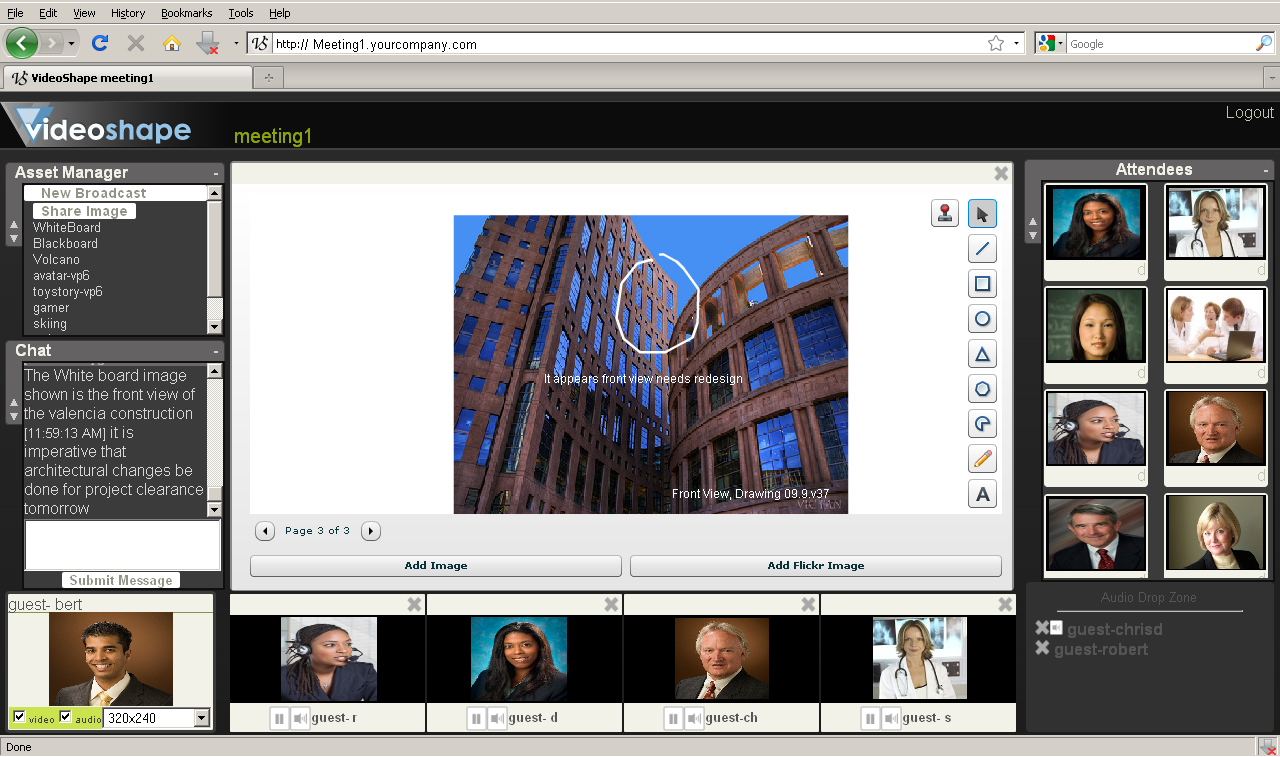
Interactive whiteboards are used for freehand drawing or mark-up of any background image.
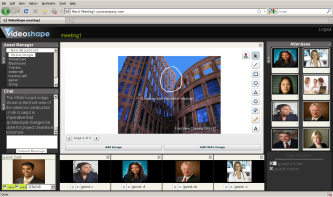
An architect might
present a design view while a physician might present an x-ray
or diagnostic image for example.
|
ScreenCasting and Sharing
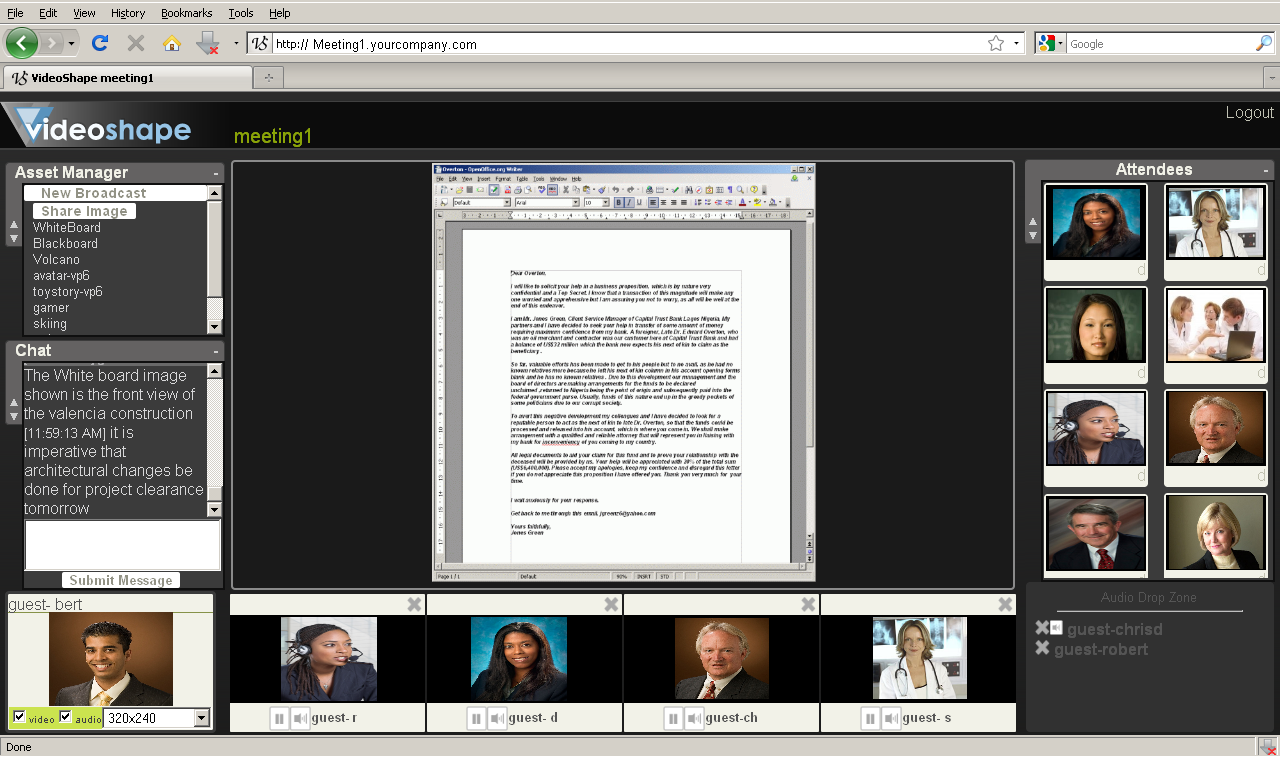
Desktop broadcasting captures, and propagates,
a live video recording of the host’s desktop.
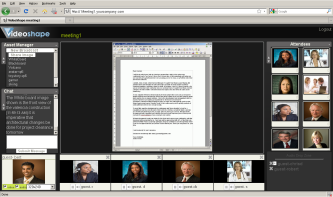
Even dynamic
simulators such as a 3d rotating DICOM medical image or a 3d
architectural viewer can be broadcast to all users. This exact
mirrored desktop is presented as a fluid video to enhance
meeting experiences.
|
Presentation
Zones
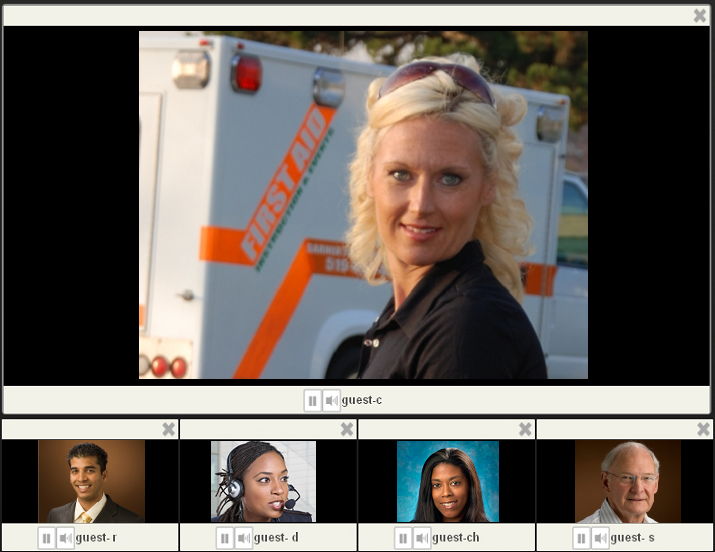
Any broadcast video or functional
asset can be dropped into a play zone. 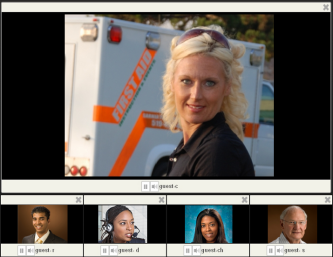
There are multiple mini
play zones and one enlarged play zone as shown. All
these drop zones can be individually enlarged by attendees
and visitors on their own web browsers |
Meeting Chat
Users can chat freely during a meeting: Useful
for sharing Internet web site links, or pasting information.
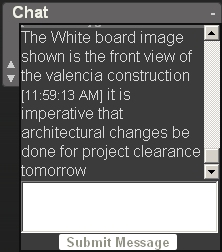
When
an attendee wishes to contribute to the meeting they can click
hands up and the chat zone will alert the host with a sound and
"Hand-up: Guest" notice..
|
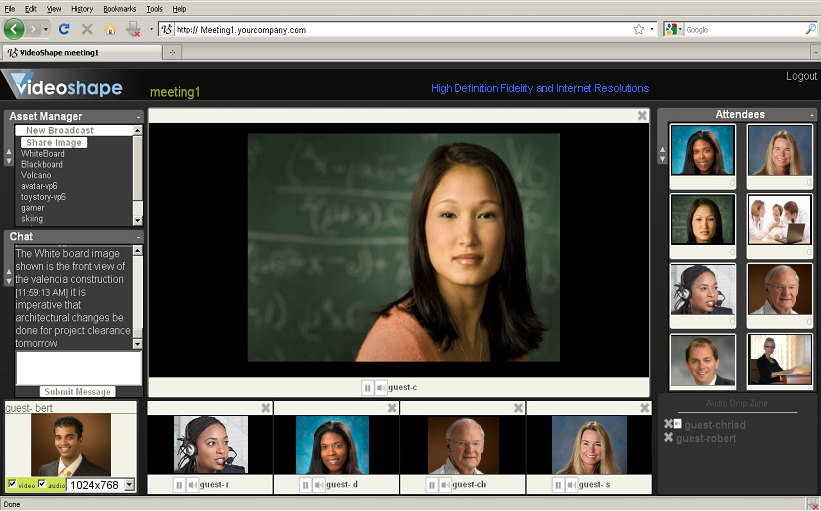
Asset Manager
Hosts
can drag and drop assets such as White Boards, File
sharing and Video on demand.
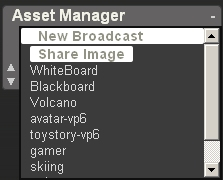
Dropped videos are propagated to all attendees.
|